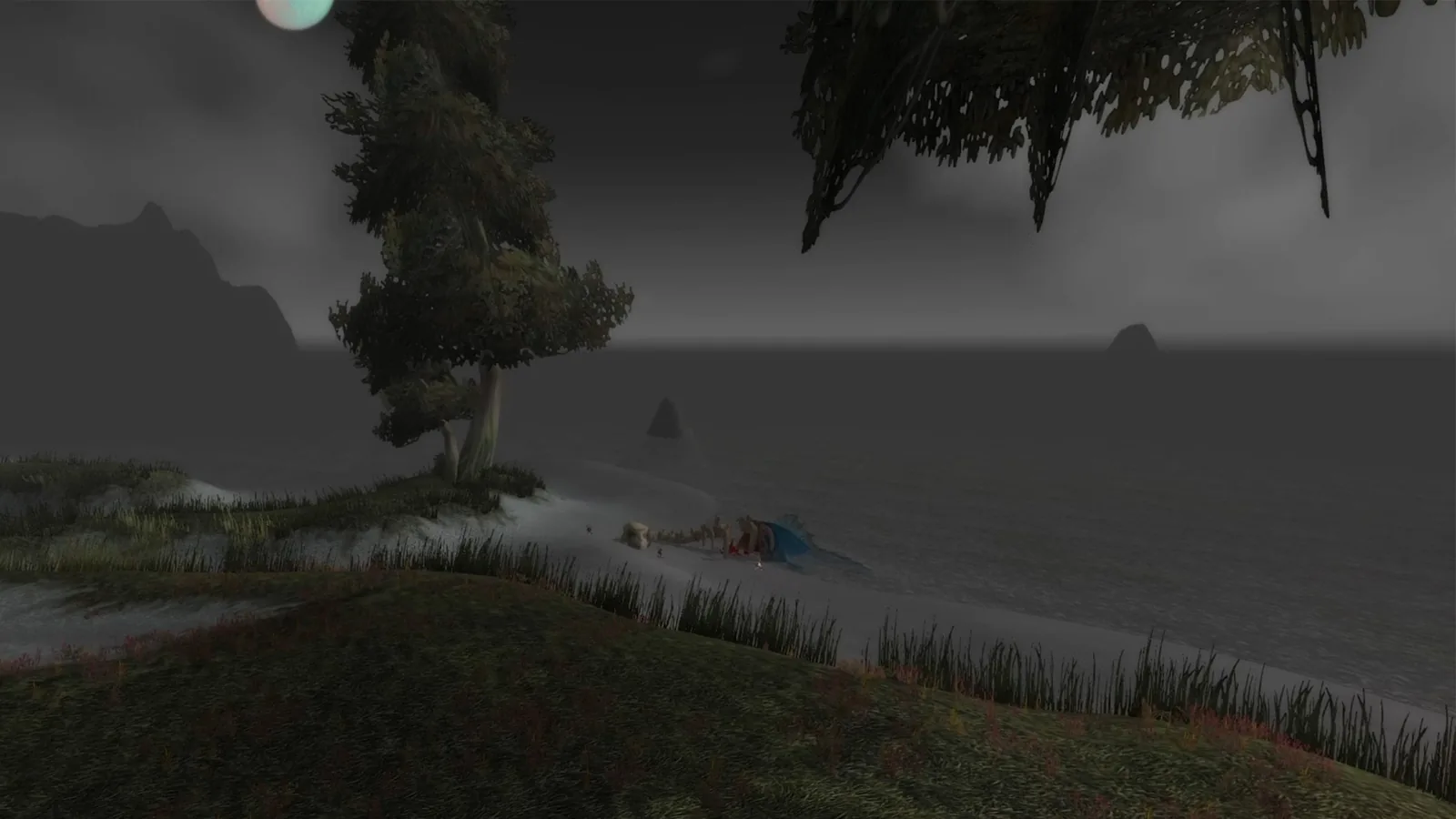
WoW Forever graphics: what's new, best settings and FPS fixes
Short answer: ✨ Forever keeps the original art style but adds new lighting, mist and flowing water. You choose HD or SD character models for each character, and the new look needs a 2012-or-newer GPU. If your frame rate drops, Secondary Lighting is the first setting to check. (Blizzard recap, GPU requirements)
| Question | Answer |
|---|---|
| 🌫️ New visuals? | ✅ New rendering: rivers, mist, moonlight |
| 🎨 Same art style? | ✅ Blizzard says the "timeless art style" stays |
| 🧍 HD or SD models? | ✅ Your pick, per character |
| 🖥️ Old GPU OK? | ❌ Needs AMD GCN 1 / NVIDIA Maxwell / Intel Skylake or newer |
| ☀️ Ray Traced Shadows? | ⏳ Removed in beta, coming back later |
| 📉 FPS drops? | ⚠️ Check Secondary Lighting first |
🌫️ What changed in Forever's graphics
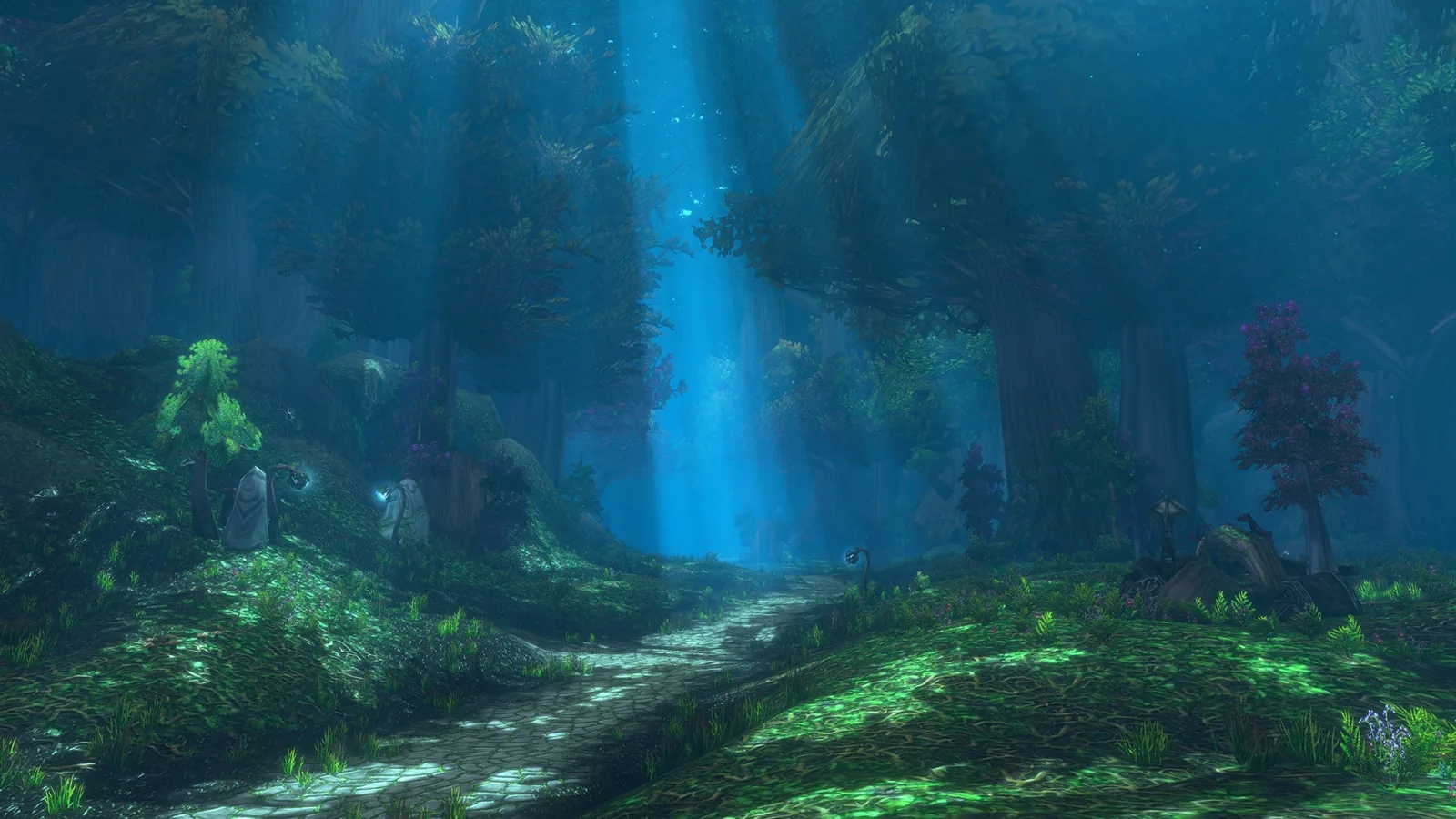
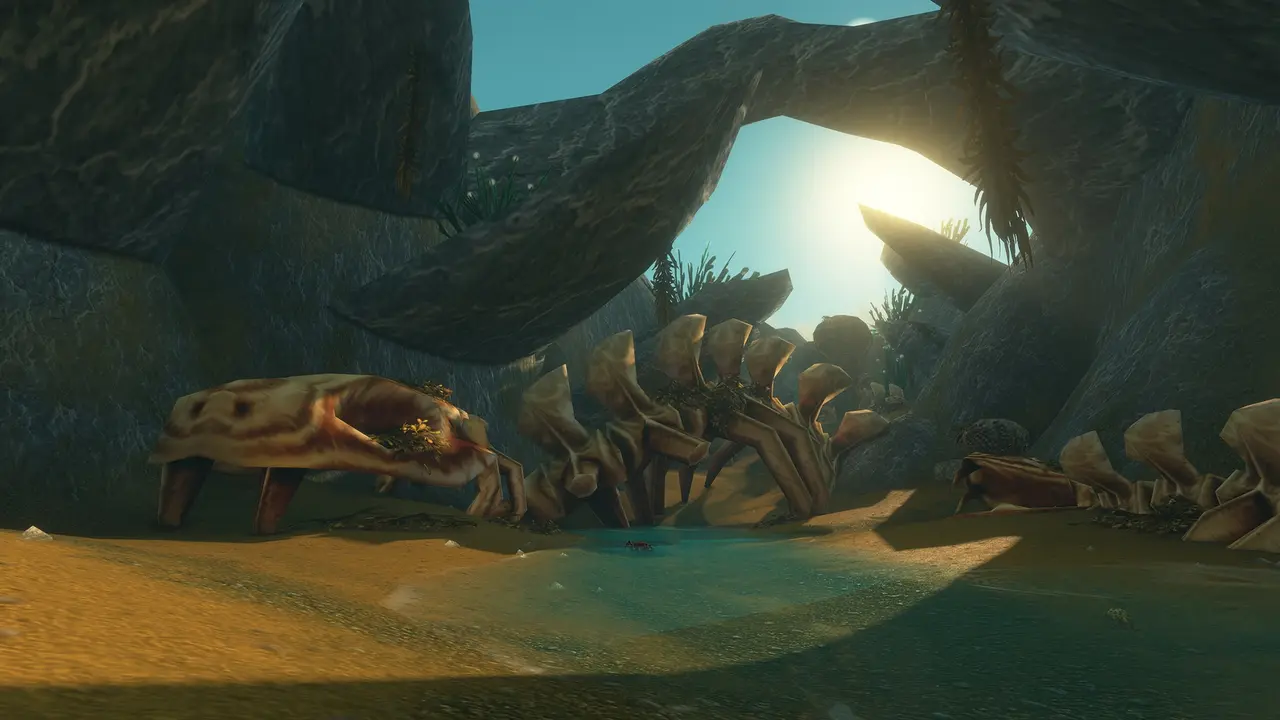
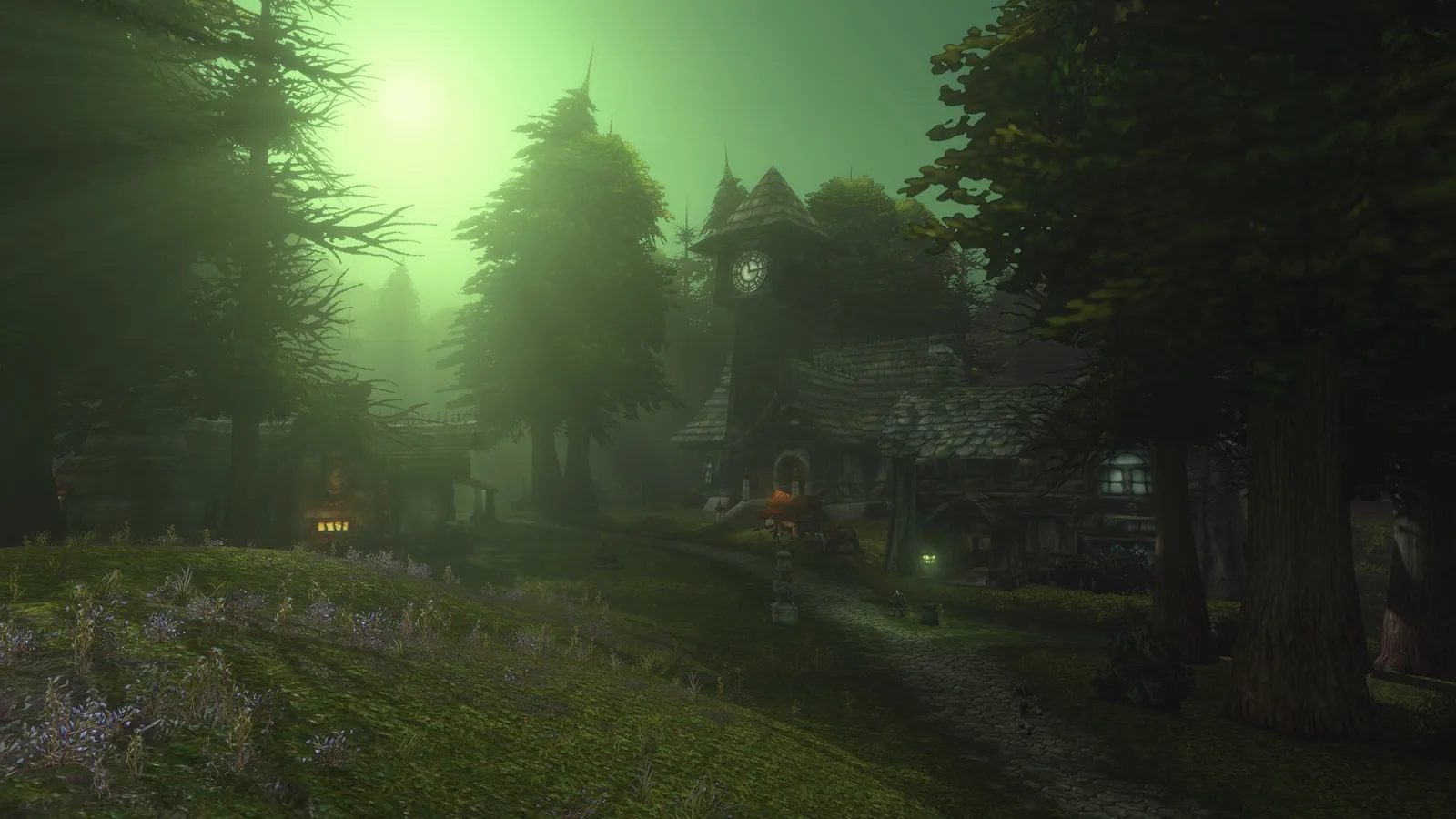
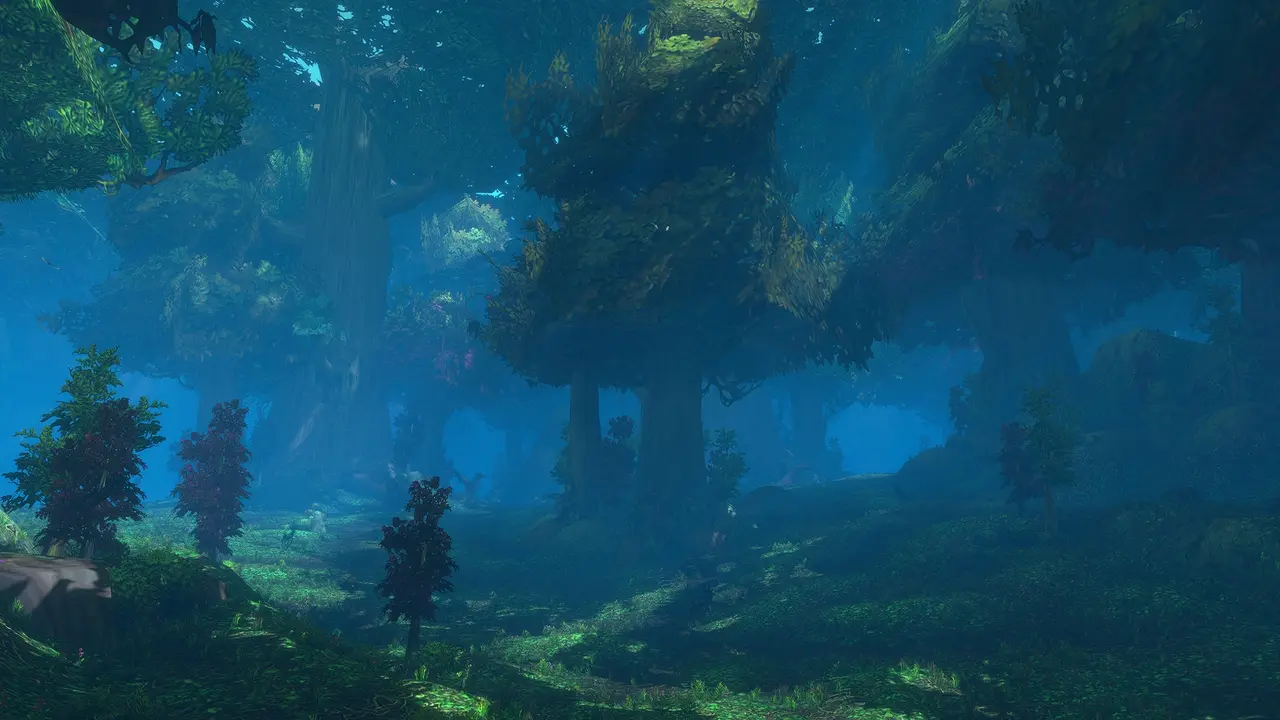
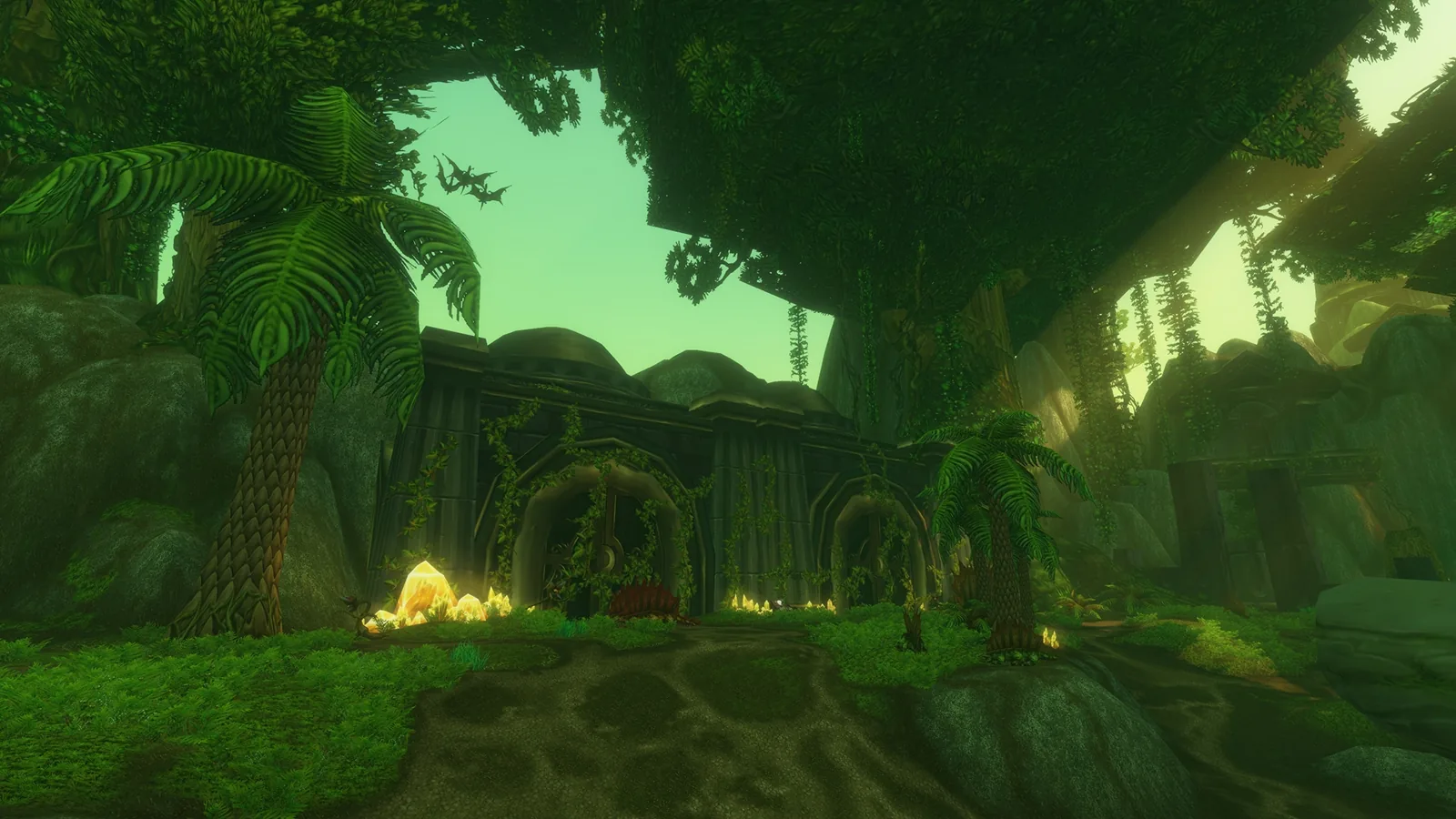
Blizzard calls them "rendering updates". Its examples are rivers that flow through Elwynn Forest, mist over the water in Darkshore and moonlight breaking through the trees of Ashenvale. The models, maps and textures still follow the original game's art style. (What's Next recap)
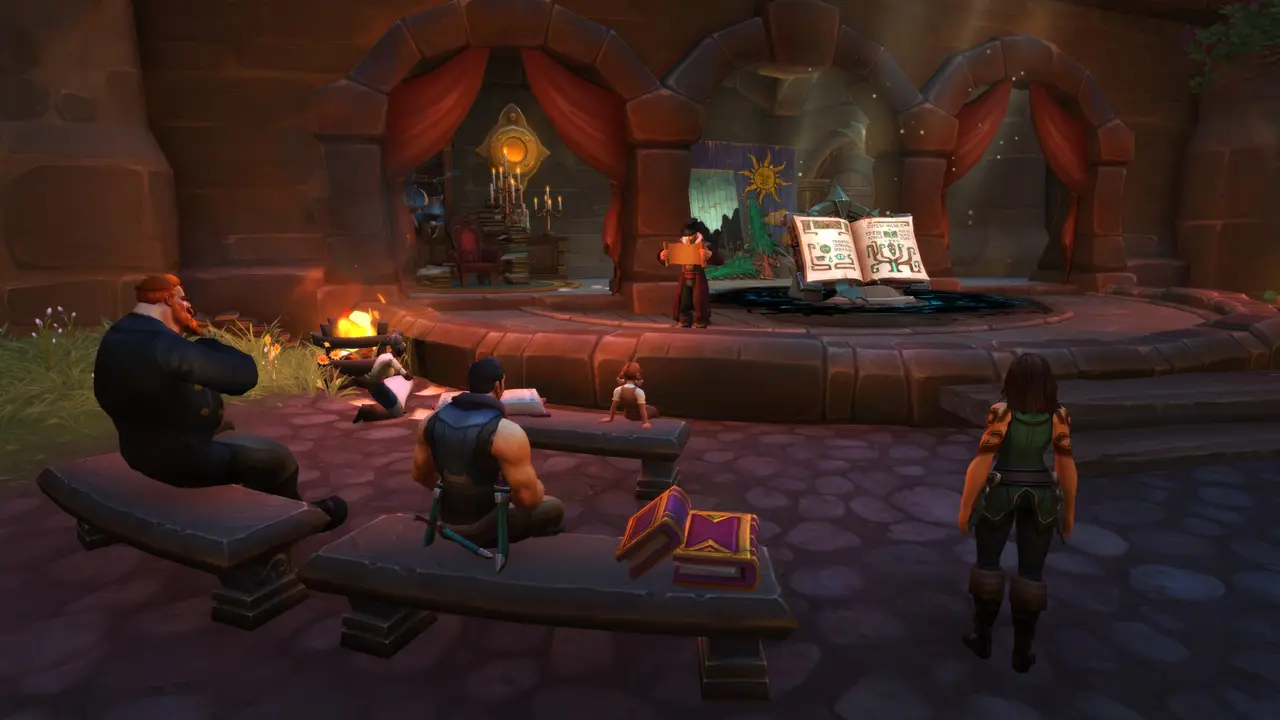
| WoW Classic Era | WoW Forever | |
|---|---|---|
| 🎨 Art style | Original 2004 look | ✅ Same style |
| 💧 Water and rivers | Original | ✅ Flowing rivers (Blizzard example: Elwynn Forest) |
| 🌫️ Fog and mist | Original | ✅ Mist over water (example: Darkshore) |
| 🌙 Light | Original lighting | ✅ New lighting (example: moonlight in Ashenvale) |
| 🧍 Character models | Original models | ✅ HD or SD, per character |
| 🖥️ GPU floor | Older cards still run | ❌ 2012+ architecture needed |
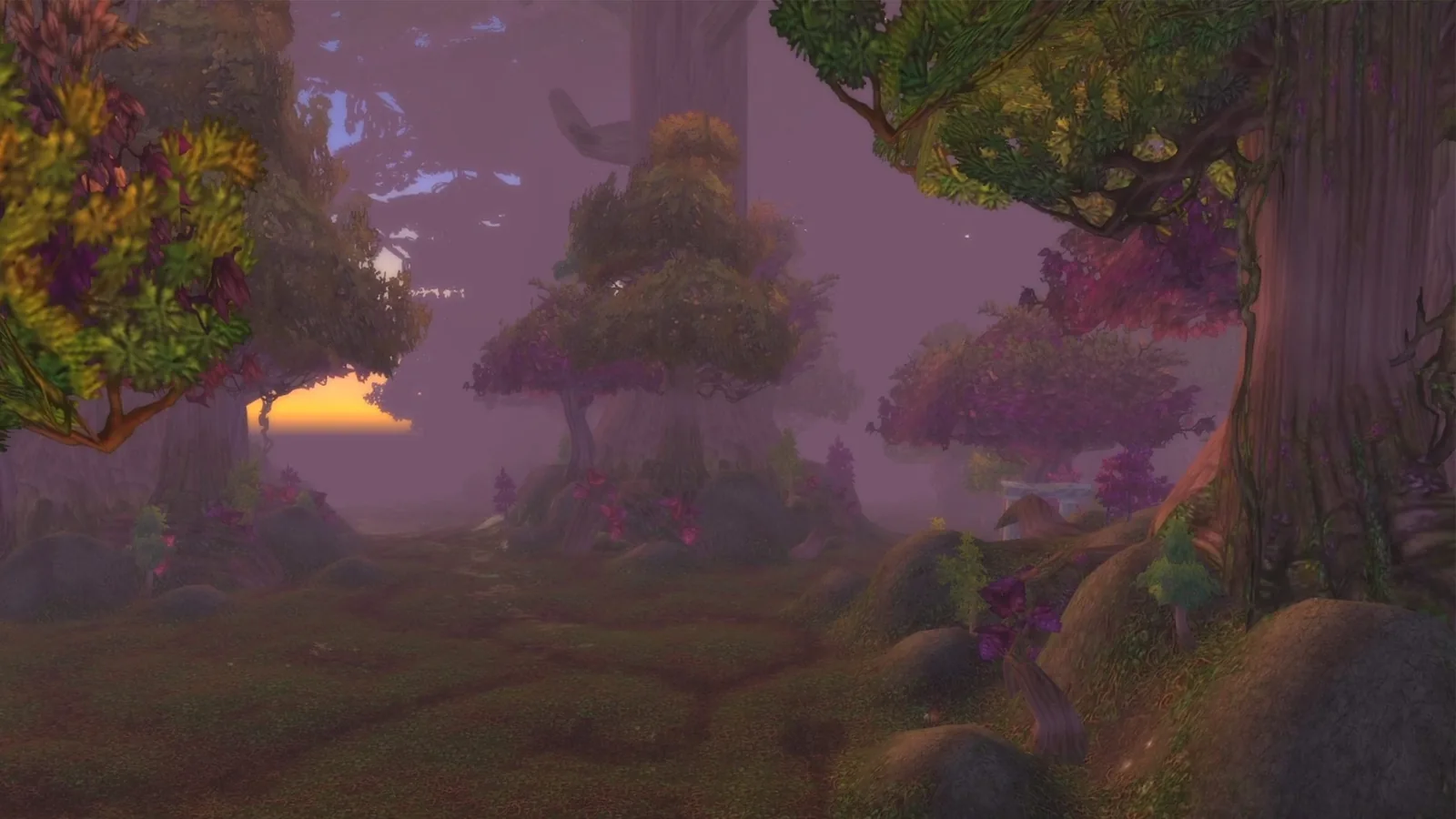
🧍 HD vs SD character models
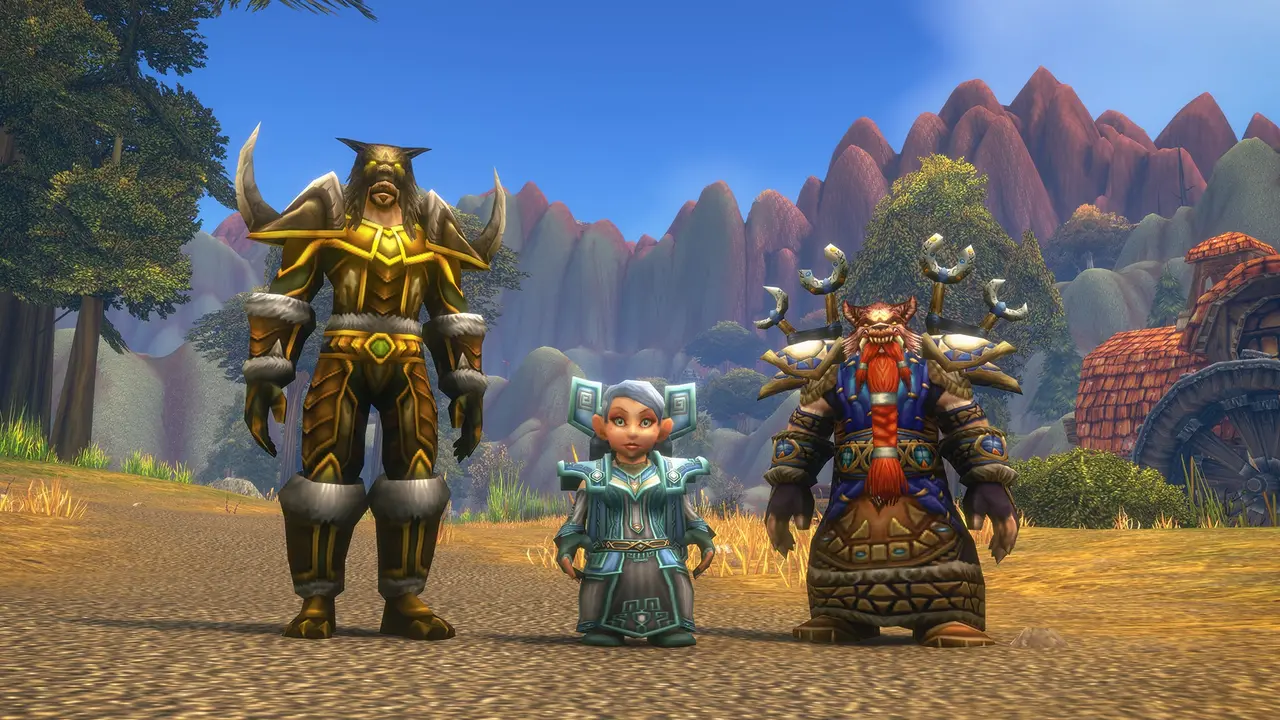
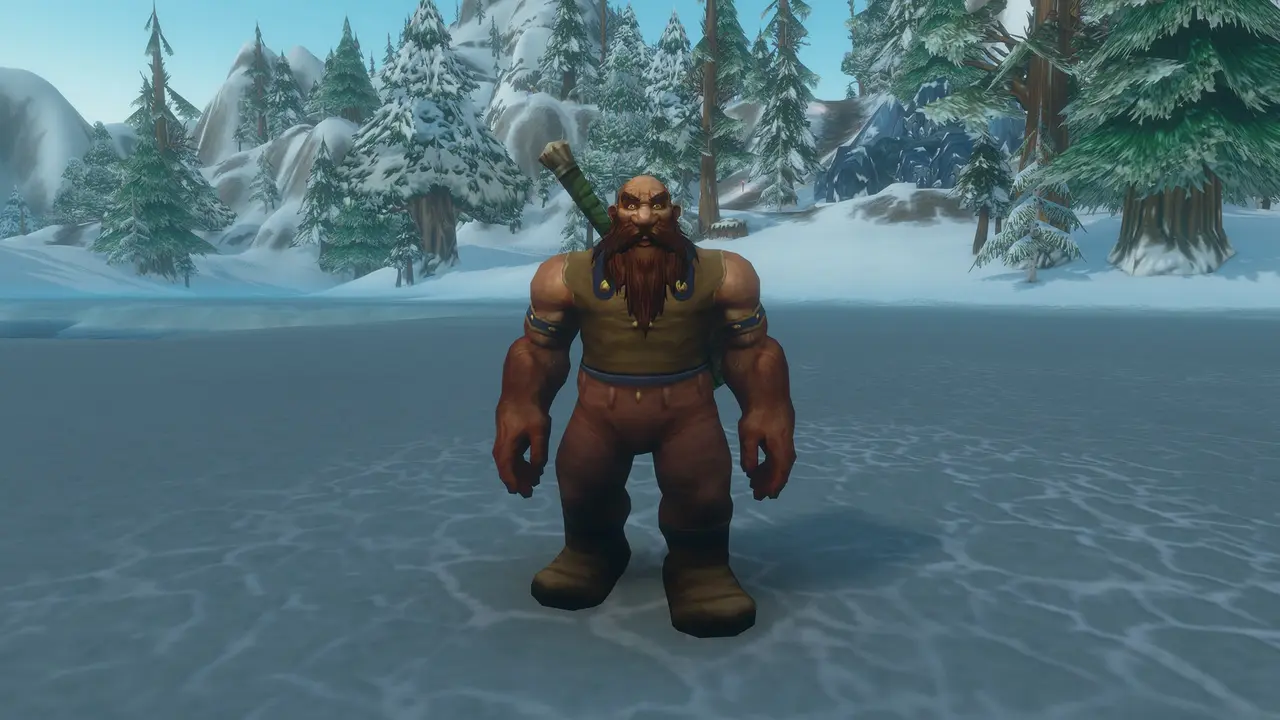
The game asks every time you make a character. HD uses higher-detail models and updated visuals. SD keeps the look of the original game. Blizzard says the choice changes only how you look, not your abilities or progress, and you can switch later in Options or at a Barbershop. (starter guide) HD models also get restored Classic animations. (What's Next recap)
| 🧍 SD | ✨ HD | |
|---|---|---|
| Look | Original-style models | Higher-detail models |
| Animations | Original style | Restored Classic animations |
| Gameplay effect | ❌ None | ❌ None |
| Change later? | ✅ Options or Barbershop | ✅ Options or Barbershop |
| Preset that starts with it | Classic | Enhanced |
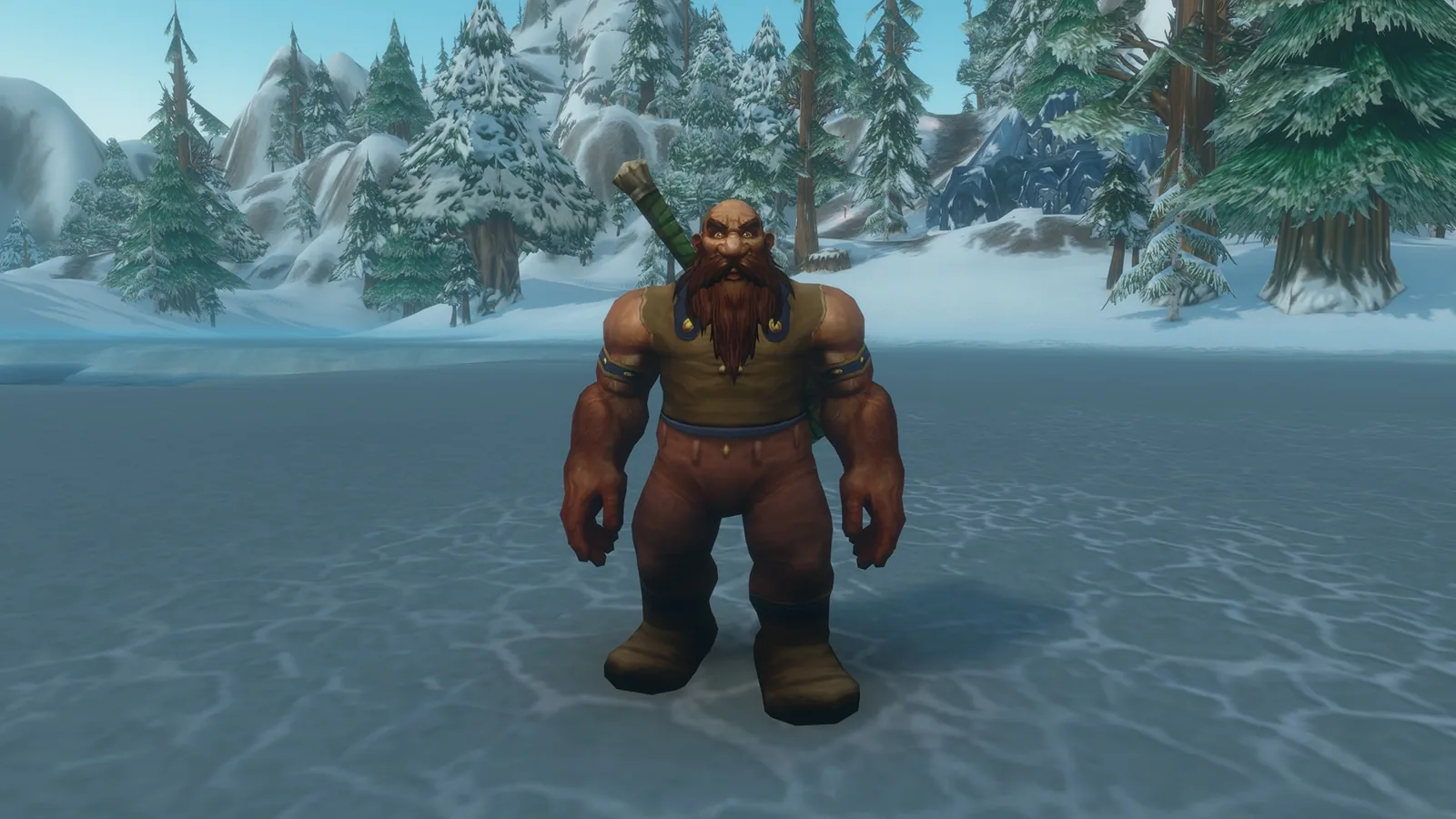
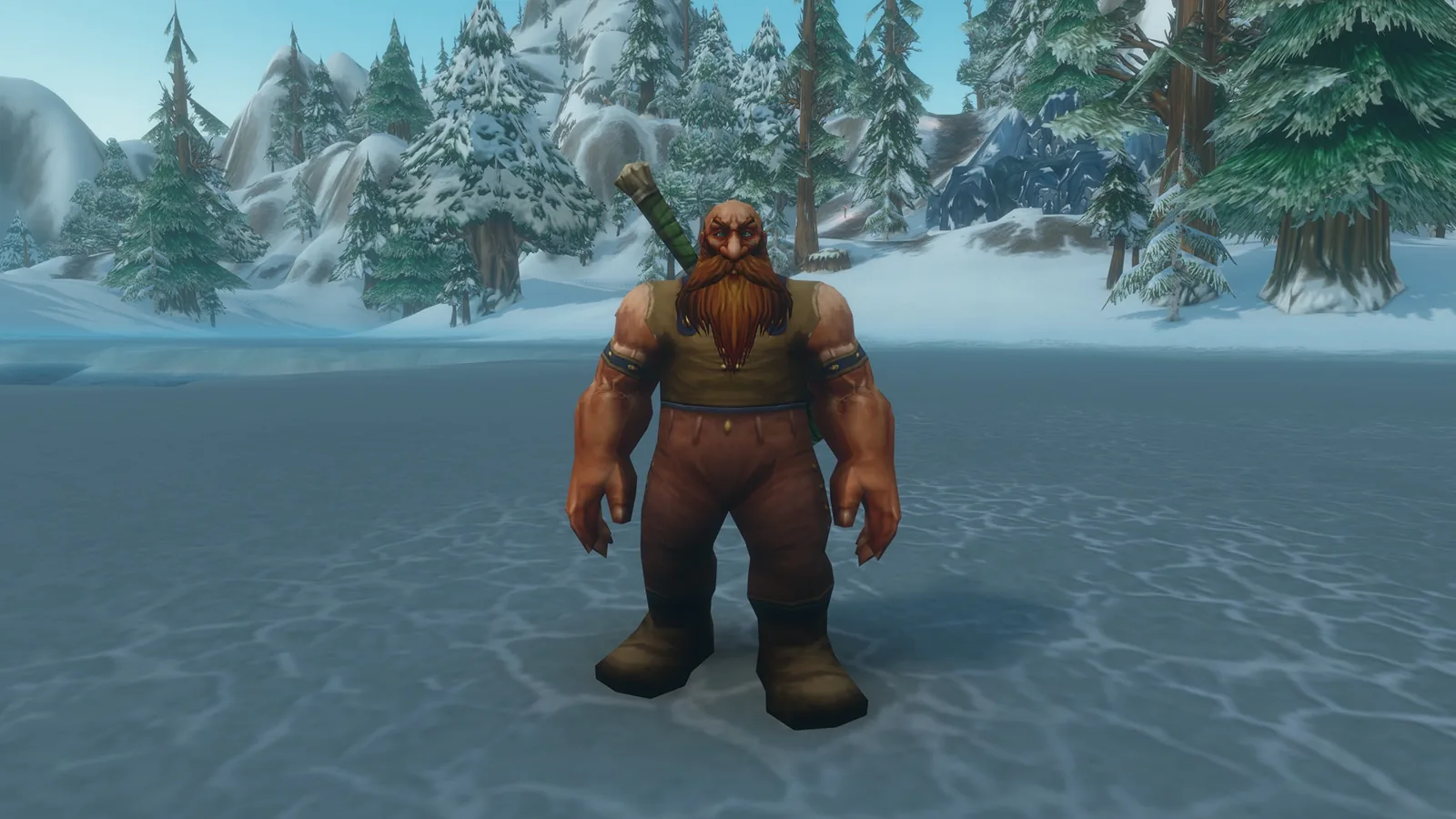
Both images come from the "Classes, Systems, and Player Choice" section of Blizzard's What's Next recap, the section covering HD and SD models. Blizzard doesn't label which image shows which model, so we don't either. Image © Blizzard Entertainment, Inc. Source: news.blizzard.com.
Picking a preset? The Classic preset starts you on SD models and Enhanced on HD, but that's only the starting point. Full preset breakdown: Forever vs Classic and UI presets.
🖥️ Why old graphics cards stop working
Blizzard says the new look relies on a GPU feature from around 2012 (RGBA16F UAV support in compute shaders). Cards built on older designs won't run Forever, whatever you set the options to. (GPU requirements)
| Brand | ✅ This or newer | Example that works | ❌ Example that doesn't |
|---|---|---|---|
| 🔴 AMD | Graphics Core Next 1 (2012) | Radeon HD 7850 | Radeon HD 6950 |
| 🟢 NVIDIA | Maxwell (2014) | GTX 9xx, GTX 750 / 750 Ti | GTX 760 / 770 / 780, GTX 8xxM |
| 🔵 Intel | Skylake (2015) | HD Graphics 530 | HD Graphics 6000 |
⚠️ Blizzard warns that even the cards that clear this bar are "well below" the game's minimum spec. They start the game, but don't expect it to run smoothly. Full specs: system requirements · Mac.
⚙️ Settings that changed during the beta
Blizzard's beta notes show the graphics menu was still moving before launch. (beta development notes)
| Beta build notes (2026, AEDT) | Change | Status at launch |
|---|---|---|
| 2 Oct | ☀️ Ray Traced Shadows option removed, "to be re-added… after the functionality is fixed" | ⏳ [Unconfirmed] when it returns |
| 2 Oct | 🌧️ Rain is easier to see | ✅ Beta fix |
| 16 Oct | 🌫️ Fixed extra-bright fog at lower shadow settings | ✅ Beta fix |
| 16 Oct | ✨ Bloom Intensity is now a slider in the Advanced graphics section | ✅ Beta change |
| 27 Oct | 🌫️ Removed a setting that could turn fog off by accident | ✅ Beta change |
| 27 Oct | 🧠 Fixed a memory leak that slowly lowered performance | ✅ Beta fix |
| 27 Oct | 🍎 Fixed a water display issue and other artifacts on Mac | ✅ Beta fix |
| 9 Oct (Mac only) | 🍎 MSAA turned off on Mac until its bugs are fixed, per Rommax (Blizzard) in the Mac thread | ⏳ [Unconfirmed] whether it's back |
[Unconfirmed] The final list of options and their names in the launch client. We'll check it ourselves on launch day.
📉 Which settings cost the most FPS
Blizzard hasn't published a per-setting cost list for Forever. This is what the beta showed:
| Setting | What we know | Try first |
|---|---|---|
| 💡 Secondary Lighting | Beta players reported the biggest frame-rate swings here. A Blizzard developer confirmed a bug that made it run at a higher level than the menu showed | Fair |
| 🌑 Shadow quality | Linked to the fog fix above. Lower shadows used to make fog too bright | One step down |
| ☀️ Ray Traced Shadows | Removed in beta | n/a for now |
| 🔲 Render scale / resolution | Standard WoW option. Below 100% looks softer but runs faster | 100%, then lower if needed |
| 🔄 Vertical Sync | Blizzard Support suggests testing with it off | Off for testing |
[Unconfirmed] Real launch-client FPS costs per setting. These come from beta reports and general WoW support advice, not Blizzard tests of Forever.
💡 The Secondary Lighting bug
💥 Crashing on the loading screen instead of just low FPS? That's a different beta problem; see WoW Forever crashing fixes.
After a 1 Oct beta update, players found their FPS stayed low even with Secondary Lighting on Fair. (player report) Rommax (Blizzard) found the cause in code: the game was mixing up the raid and non-raid Secondary Lighting settings. He said build 70245 fixed it on 7 Oct (AEDT). (Mac thread)
| If your FPS still drops | Step |
|---|---|
| 1️⃣ | Set Secondary Lighting to a different level and click Apply |
| 2️⃣ | Set it back to the level you want and click Apply again |
| 3️⃣ | Blizzard's older workaround: turn on raid graphics settings and make them match your normal settings |
[Unconfirmed] Whether any of this is still needed on the launch client.
🛠️ Low FPS or graphics glitches: Blizzard's checklist
From Blizzard Support's technical troubleshooting, lowering settings and reset options articles. These are general WoW articles, not Forever-specific.
| # | Do this | Where |
|---|---|---|
| 1️⃣ | 🔄 Update your graphics driver (Blizzard also says this before you install Forever) | GPU maker's app (Return to Azeroth) |
| 2️⃣ | 📉 Drop graphics quality to Low, then raise settings one at a time | Options > Graphics |
| 3️⃣ | 🔁 Turn Vertical Sync off and test | Main Menu > System > Graphics |
| 4️⃣ | ♻️ Put graphics back to defaults | Main Menu > System > Graphics > Defaults |
| 5️⃣ | 🧹 Reset all in-game options | Battle.net > cog by Play > Game Settings > Reset In-Game Options |
| 6️⃣ | ❌ Close browsers and other programs | Your PC |
Settings won't save? Blizzard Support says that's usually a permissions problem, or an addon manager overwriting them. Check your security software exclusions and install folder. (Blizzard Support) Addon side: addons not saving settings.
🔗 Related
- System requirements
- WoW Forever on Mac
- Steam Deck
- Forever vs Classic
- UI, Edit Mode and UI scale
- All features
FAQ
Better than Classic? ✨ New lighting, mist and water; same art style.
HD or SD? 🧍 Per character, cosmetic only. Change it in Options or at a Barbershop.
Old GPU? 🖥️ Needs AMD GCN 1, NVIDIA Maxwell or Intel Skylake or newer.
Ray tracing? ☀️ Ray Traced Shadows removed in beta, due back later.
FPS drop? 💡 Toggle Secondary Lighting, Apply, set it back.
Settings reset? 🔒 Usually folder permissions or an addon manager.
Does WoW Forever have better graphics than Classic?
Yes, in lighting and effects. Blizzard says new rendering adds flowing rivers, mist and moonlight while keeping the original art style.
What's the difference between HD and SD models?
HD uses higher-detail models and updated visuals. SD keeps the original look. It's cosmetic only and set per character.
Can I change HD or SD later?
Yes. Blizzard says you can change it later in the Options menu or at a Barbershop.
Why won't WoW Forever run on my old graphics card?
The new lighting needs a GPU feature from about 2012. You need AMD GCN 1, NVIDIA Maxwell, Intel Skylake or newer.
Which setting costs the most FPS?
In the beta, Secondary Lighting was the big one. Try it on Fair first, then shadows. Final launch costs are unconfirmed.
Is ray tracing in WoW Forever?
Blizzard removed the Ray Traced Shadows option during the beta and says it will come back after it's fixed. No return date yet.
My FPS dropped for no reason. What do I do?
Toggle Secondary Lighting to another level and back, then Apply. Players found that fixed a beta bug. Then update drivers and turn V-Sync off.
Why do my graphics settings keep resetting?
Blizzard Support says it's usually a folder permissions problem, or an addon manager overwriting settings.
Sources
- Blizzard: WoW Forever What's Next panel recap (rendering updates, HD/SD models, visual presets)
- Blizzard: WoW Forever GPU Requirements (17 Sep 2026)
- Blizzard: New Player's Starter Guide (Classic/Enhanced starting settings, HD/SD per character, graphics options)
- Blizzard: Return to Azeroth in WoW Forever (update graphics drivers)
- Blizzard — WoW Forever Beta Development Notes (Updated October 26)
- Blizzard forums: [Mac] graphics bugs thread with Rommax (Blizzard) replies (Secondary Lighting, MSAA)
- Blizzard forums: Secondary Lighting bug after Oct 1 update (player report)
- Blizzard Support: World of Warcraft Technical Troubleshooting (performance)
- Blizzard Support: Lowering In-Game Settings
- Blizzard Support: Resetting In-Game Options
- Blizzard Support: World of Warcraft Is Forgetting My Settings