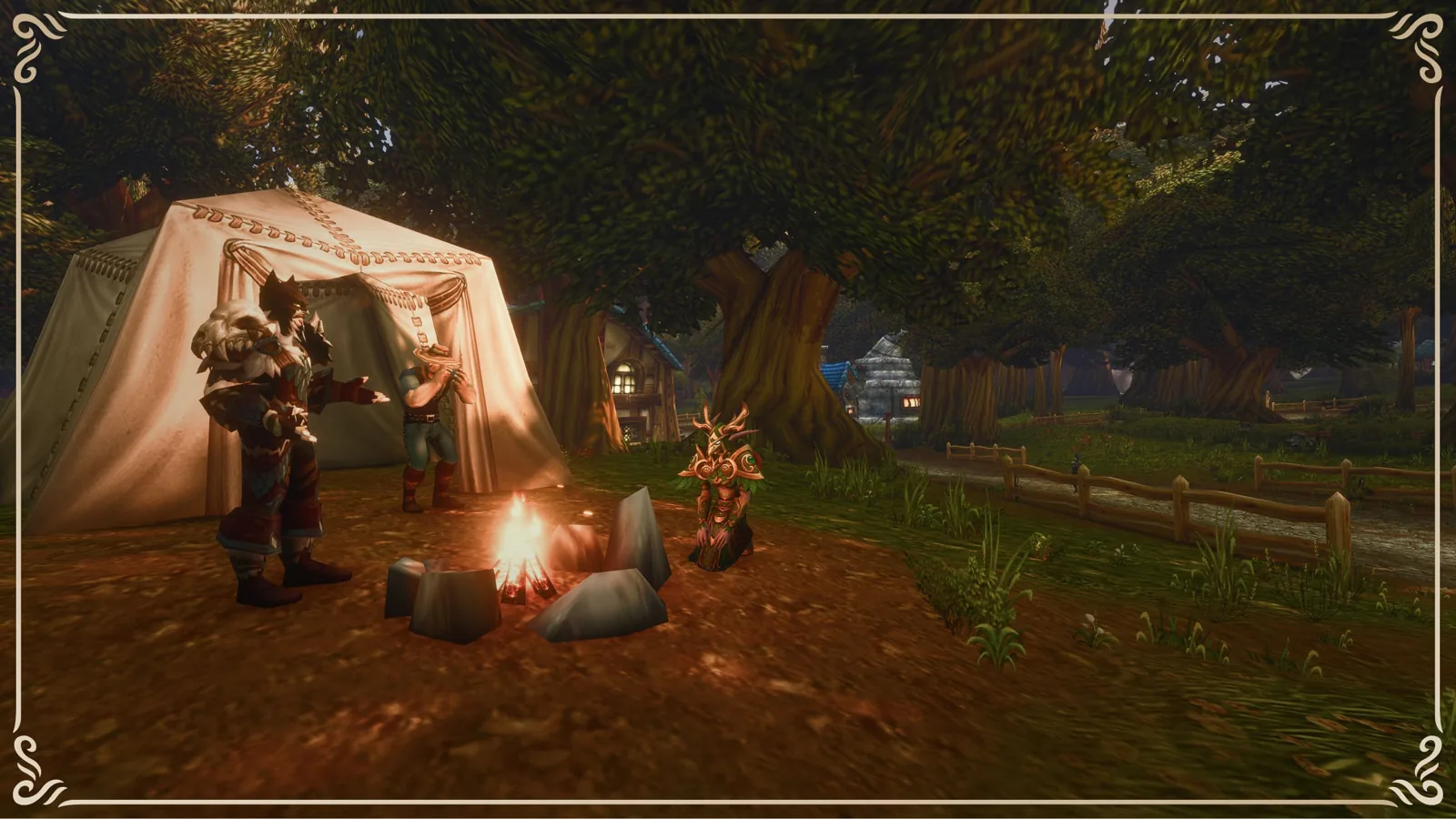
Launch
Blizzard's starter guide: pick a Classic or Enhanced preset on first login
Blizzard has published a starter guide for WoW Forever. Most of it recaps what we already cover, but one step is new: the experience preset.
- When: the first time you log in, before you pick a ruleset. You only see the screen once.
- Classic: SD models, no quest markers or objective areas, one-bag and transmog off, keyboard turning, classic UI layout.
- Enhanced: HD models, quest markers on, one-bag and transmog on, keyboard strafing, centred UI layout.
- Not a lock: each setting can be changed later under Game Menu > Options. Blizzard suggests Enhanced if you're unsure.
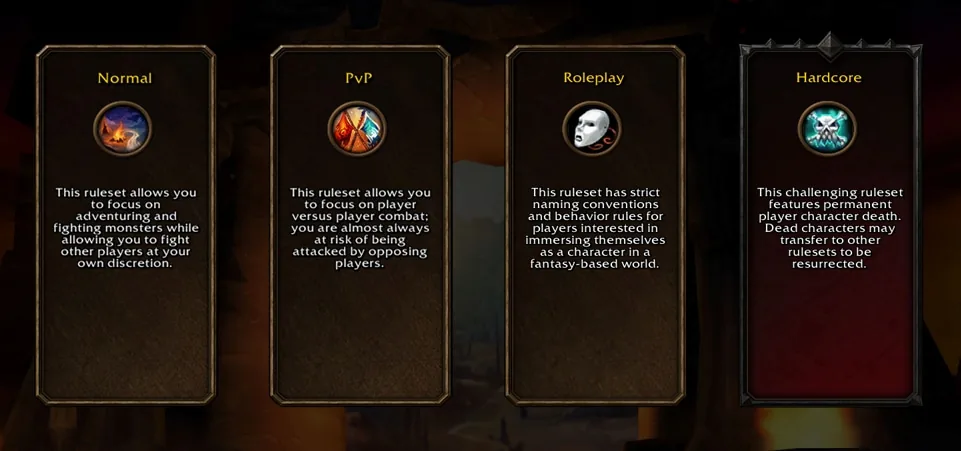
Other confirmations: Windows or Mac with keyboard and mouse, controller support in beta, and HD or SD models chosen per character (changeable at a Barbershop). Grouping, guilds, dungeons and raids work only within the same ruleset and faction. See our launch day checklist and rulesets explained.