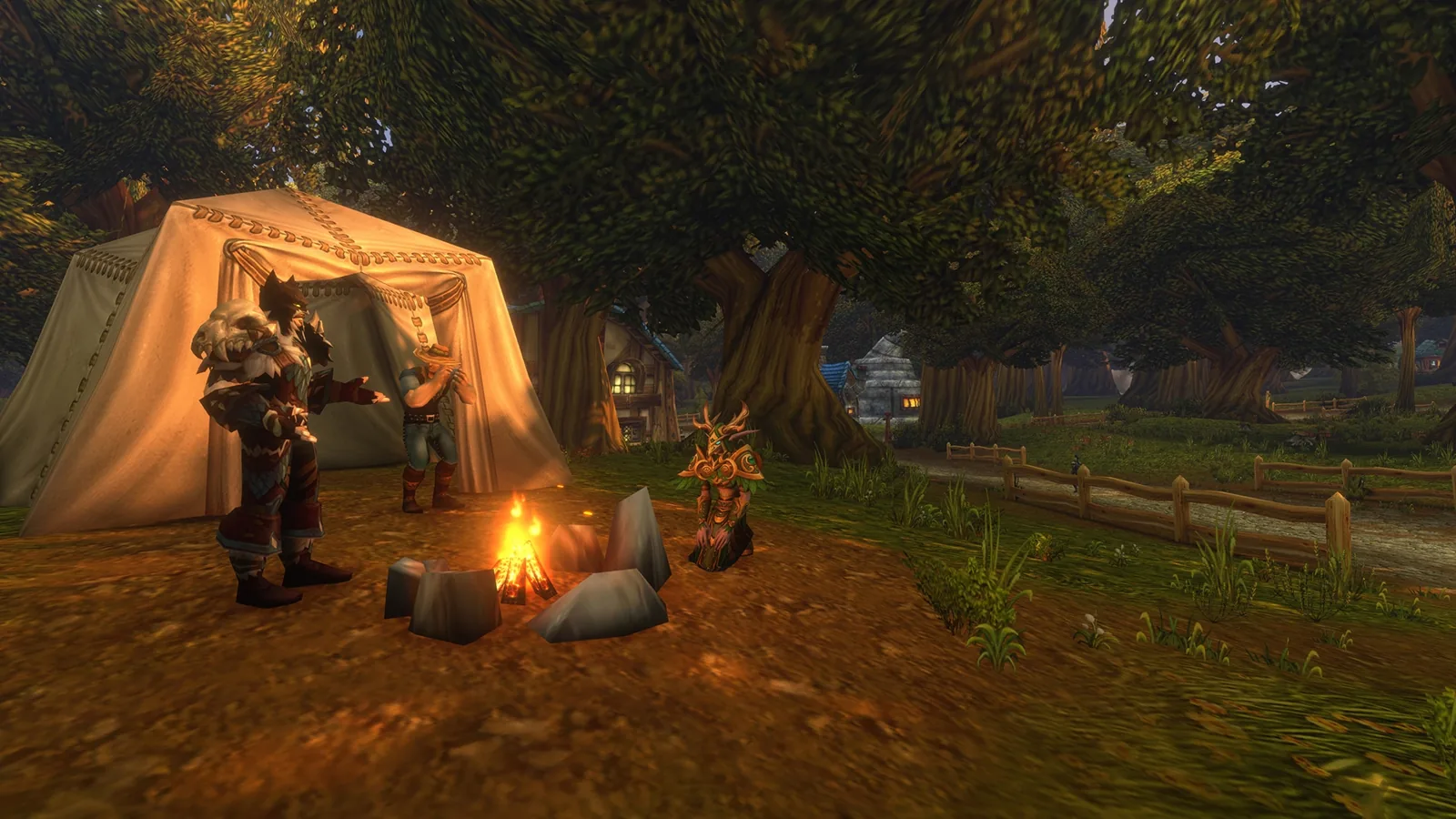
Can you play WoW Forever on Steam Deck?
Short answer: ⚠️ Unofficially, yes. Blizzard only supports Windows and Mac, but players run Battle.net on the Deck through Proton, Valve's Windows compatibility layer.
| Question | Answer |
|---|---|
| 🕹️ Officially supported? | ❌ No. Windows and Mac only |
| 🛒 On the Steam store? | ❌ Not announced. Install Battle.net instead |
| 🧪 Runs through Proton? | ⚠️ Player-reported, not tested by us |
| 🎮 Gamepad support in game? | ✅ Yes, official |
| 🛟 Blizzard support if it breaks? | ❌ No |
❌ What Blizzard says
Blizzard's system requirements list Windows 10 or 11 and macOS only, with keyboard and mouse required. On Blizzard's own forums, a reply to a Deck owner put it plainly: Steam Deck "is not supported hardware", so it may or may not work, and Blizzard can't help when it doesn't.
🛠️ How players install it (unofficial)
These steps come from community guides (overkill.wtf, GamingOnLinux). Blizzard doesn't document them and we haven't tested them on Forever.

| Step | What to do |
|---|---|
| 1️⃣ | Switch the Deck to Desktop Mode (Steam button, Power, Switch to Desktop). |
| 2️⃣ | Download the Windows Battle.net installer from Blizzard's site. |
| 3️⃣ | In desktop Steam, add the installer with Add a Non-Steam Game. |
| 4️⃣ | Open its Properties, Compatibility, tick "Force the use of a specific Steam Play compatibility tool" and pick Proton Experimental or a recent GE-Proton. |
| 5️⃣ | Run it and finish the Battle.net install, then remove the installer shortcut. |
| 6️⃣ | Add the installed Battle.net Launcher.exe from steamapps/compatdata/<newest folder>/pfx/drive_c/Program Files (x86)/Battle.net as another non-Steam game, with the same Proton setting. |
| 7️⃣ | Launch it, sign in, and install WoW Forever from Battle.net. |
🧊 Fixes players report
| Problem | Player-reported fix | Source |
|---|---|---|
| Freezes on the loading screen when entering the world | Switch graphics to DirectX 11, or drop the graphics slider one notch from max | Blizzard forums, Sept 2026 |
| Same freeze, keeping DX12 | Set Secondary Lighting to Fair in Graphics Quality | Same thread |
| Battle.net login opens as a grey window | Add WINE_SIMULATE_WRITECOPY=1 %command% to Launch Options and update Proton |
Blizzard forums, 2023 |

[Unconfirmed] These came from Linux PC and older Deck reports. Whether they're still needed on the Deck at launch isn't known.
🎮 Controls on the Deck
Blizzard's What's Next recap announced official gamepad support, and Polygon reported it covers Xbox and PlayStation controllers. [Unconfirmed] How the Deck's built-in controls map to it, and real frame rates on the Deck.
🔗 Related
FAQ
Steam Deck? ⚠️ Unofficial, through Proton.
On Steam? ❌ Not announced.
Blizzard support? ❌ None for the Deck.
Loading freeze? 🧊 Try DX11 or Secondary Lighting on Fair.
Controller? 🎮 Official gamepad support; Deck mapping unconfirmed.
Sources
- Blizzard Support: WoW Forever system requirements
- Blizzard forums: Steam Deck and Blizzard Launcher
- Blizzard forums: WoW Forever freezes on Linux Proton
- overkill.wtf: How to install Battle.net on the Steam Deck
- GamingOnLinux: Install Battle.net on Linux, SteamOS and Steam Deck
- Polygon: WoW Forever gamepad support
- Blizzard: WoW Forever What's Next panel recap